

 By Kaustubh Saini
Knowing how to make a string is one thing. The fun starts when you begin doing things to it: tidying messy text, flipping the case, hunting for a word, or chopping a sentence into pieces. Python strings come loaded with built-in methods for exactly this, and once you know a handful of them, you can handle nearly any text task that comes up.
We'll sort the most useful ones by the job they do, case changes, whitespace trimming, search and replace, and split and join. There's one rule that connects all of them, which is that a string method always hands you back a new string. Each section has a short example you can run.
What is a string method?
A method is just a function attached to a value. You call it by writing a dot after the string, like text.upper(). The method does its work on that string and gives you a result. Since there are a lot of them, it's easier to learn them in groups rather than one big list.

Changing case
The case methods switch a string to upper or lower case, or capitalise it. They earn their keep when you're cleaning up what a user typed, so a comparison works no matter how they entered it.
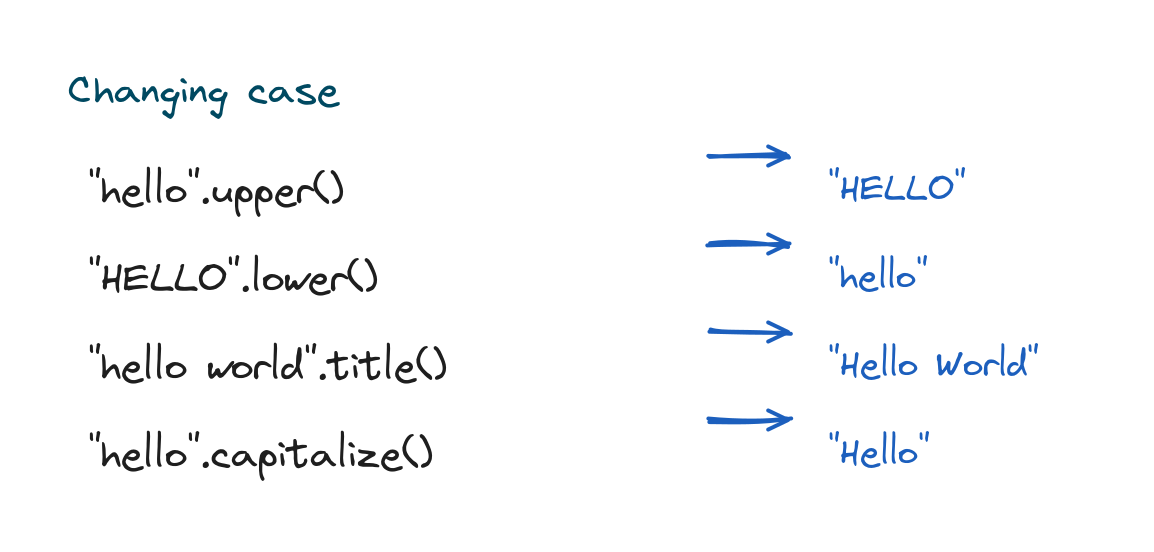
print("hello".upper())        # HELLO
print("HELLO".lower())        # hello
print("hello world".title())  # Hello World
print("hello".capitalize())   # Hello
# Output:
# HELLO
# hello
# Hello World
# Hello
Here's a handy trick. Lowercase both sides before you compare text, so "YES".lower() == "yes" comes out True.
Trimming whitespace
Text that comes from people or files often carries stray spaces at the ends. The strip() method clears whitespace off both sides, while lstrip() and rstrip() trim only the left or the right.
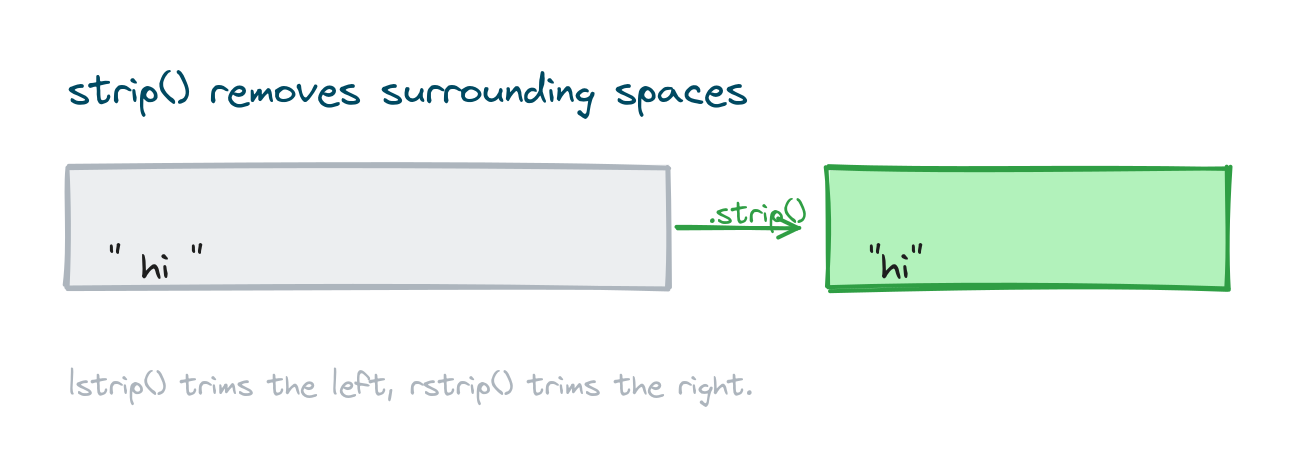
raw = "   hello   "
print(raw.strip())
print("xxhi".lstrip("x"))
# Output:
# hello
# hi
Notice you can hand strip() a character to remove, so it isn't limited to spaces. That second line strips off the leading x characters.
Searching within a string
To find where something sits, use find(). It gives back the index of the first match, or -1 when the text isn't there. To count how often something appears, use count(). And the in keyword checks membership in one go.
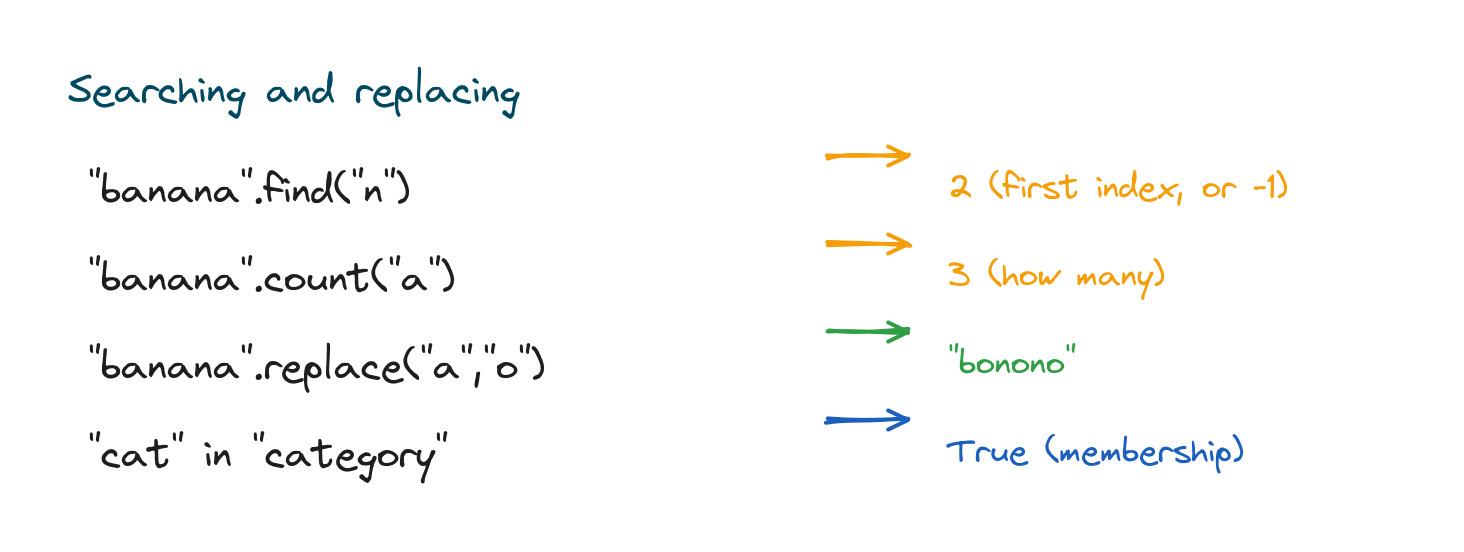
word = "banana"
print(word.find("n"))   # 2
print(word.count("a"))  # 3
print("ana" in word)    # True
# Output:
# 2
# 3
# True
Replacing text
The replace() method swaps every copy of one piece of text for another, then returns the new string.
sentence = "I like cats"
print(sentence.replace("cats", "dogs"))
print("a-b-c".replace("-", " "))
# Output:
# I like dogs
# a b c
Splitting and joining
These two are mirror images of each other and they come up all the time. split() breaks a string into a list of pieces, splitting on spaces by default. join() goes the other way, gluing a list of strings back into one with a separator you pick.
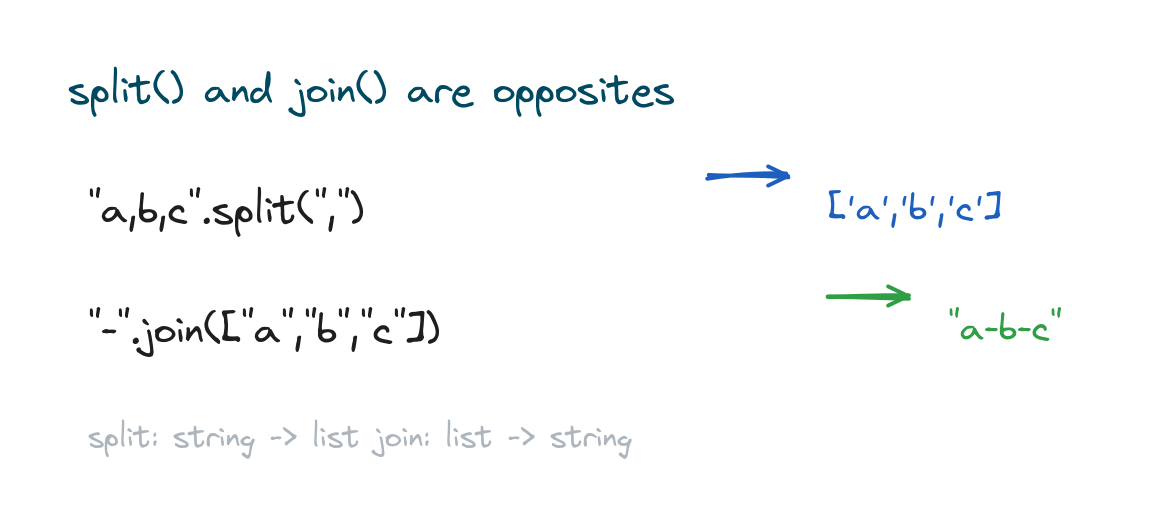
csv = "red,green,blue"
parts = csv.split(",")
print(parts)
print("-".join(parts))
# Output:
# ['red', 'green', 'blue']
# red-green-blue
Call split() with no argument and it breaks on any stretch of whitespace, which is just what you want for chopping a sentence into words.
Checking the contents of a string
Another group of methods answers yes-or-no questions about a string and hands back a boolean. They're great for checking that input looks the way it should.
print("12345".isdigit())   # True
print("hello".isalpha())   # True
print("Hello".startswith("He"))  # True
print("file.py".endswith(".py")) # True
# Output:
# True
# True
# True
# True
Methods return a new string
This is the rule that pulls everything together. Because strings are immutable, a method never touches the original. It returns a brand new string, so you have to save the result if you want to keep it.
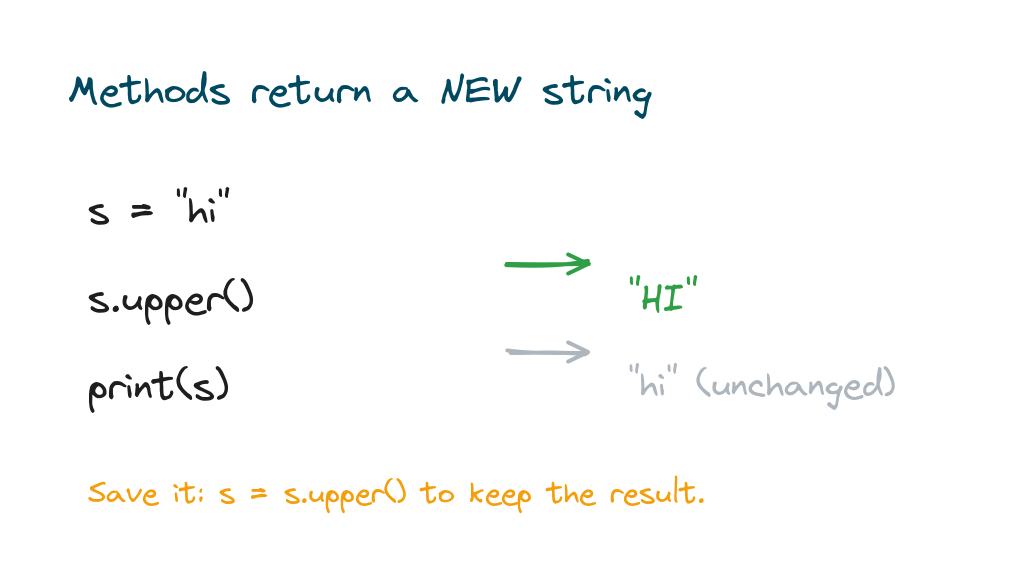
s = "hi"
s.upper()        # returns "HI" but does not save it
print(s)         # still "hi"
s = s.upper()    # save the result
print(s)         # now "HI"
# Output:
# hi
# HI
Forgetting to reassign is far and away the most common slip with string methods. If a method seems to have done nothing, the odds are you forgot to store what it gave back.
Chaining methods together
Since each method returns a string, you can call the next method straight onto that result. People call this chaining, and it reads from left to right.
messy = "  Hello World  "
print(messy.strip().lower().replace(" ", "_"))
# Output: hello_world
Practice exercises
Run each one and check the output against what you expected.
Clean and shout
Strip the spaces from " hi " and make it uppercase.
# Solution
text = "  hi  "
print(text.strip().upper())
# Output: HI
Split a sentence
Split "the quick brown fox" into a list of words.
# Solution
sentence = "the quick brown fox"
print(sentence.split())
# Output: ['the', 'quick', 'brown', 'fox']
Replace and save
Replace "blue" with "green" in a string and store the result.
# Solution
color = "blue car"
color = color.replace("blue", "green")
print(color)
# Output: green car
Common mistakes
- Not saving the result. Methods return a new string;
s.upper()alone does not changes. - Expecting find() to raise an error. It returns
-1when the text is not found, not an error. - Confusing split and join.
splitmakes a list from a string;joinmakes a string from a list. - Calling join on the list. The separator owns the method:
"-".join(parts), notparts.join("-"). - Case-sensitive comparisons.
"Yes" == "yes"isFalse; lower both sides first.
Frequently asked questions
How do I make a string uppercase or lowercase?
Use text.upper() or text.lower(). They return a new string, so save the result.
How do I remove spaces from a string?
Use strip() for both ends, or lstrip() and rstrip() for one side. You can also pass a character to remove.
How do I split a string into a list?
Call split(). With no argument it splits on whitespace; pass a separator like "," to split on that.
How do I replace text in a string?
Use replace(old, new). It swaps every occurrence and returns a new string, so reassign it.
Why does my string method seem to do nothing?
Strings are immutable, so methods don't change the original. Store the returned value, like s = s.upper().
How do I check if a string contains another string?
Use the in keyword, like "cat" in "category", or use find() to get the position.
Key takeaways
- String methods are called with a dot, like
text.upper(), and group by job. - Change case with
upper,lower,title; trim withstrip. - Search with
find,count, andin; swap text withreplace. splitturns a string into a list;jointurns a list into a string.- Every method returns a new string, so save the result to keep it.
String methods are some of the most reused tools you'll meet in Python, and they let you clean and reshape almost any text. If indexing, slicing, or f-strings still feel shaky, go back and firm up the basics in Python strings, since everything here builds on them.