

 By Kaustubh Saini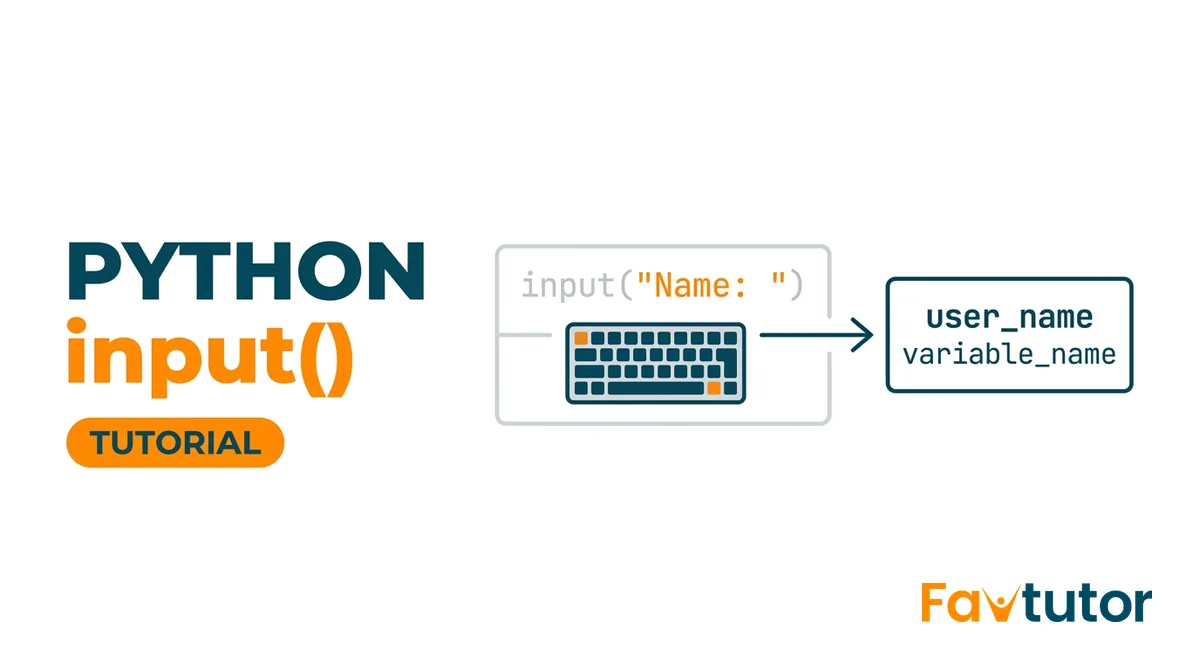
A program that only ever does the same thing gets boring fast. The moment it can ask a question and wait for an answer, it starts to feel alive. That's what input() gives you. It reads whatever someone types at the keyboard, so you can ask for a name, a number, or a choice, and then react to it.
There's one quirk that surprises almost everyone the first time. Whatever the user types comes back as text, even when it clearly looks like a number. We'll walk through how input() works, why that quirk matters, how to turn the text into a number safely, and what to do when someone types nonsense.
What does input() do?
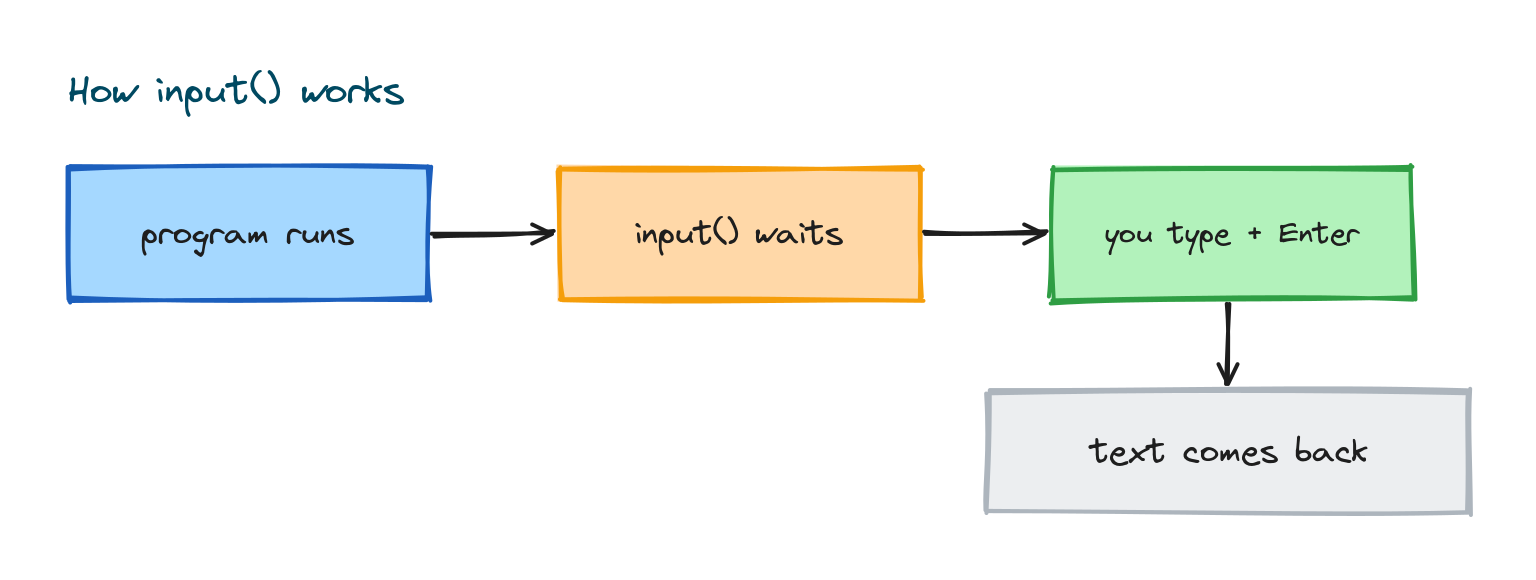
When Python hits an input() call, it stops and waits. The user types something, presses Enter, and that text gets handed back to you to store in a variable.
name = input()
print("Hello,", name)
# If you type: Alex
# Output: Hello, Alex
Nothing else runs while the program is waiting. The instant you press Enter, what you typed becomes the value of name.
Adding a prompt
Call input() with nothing inside the brackets and the user just sees a blank line with a blinking cursor. Not great. So you pass a short bit of text, a prompt, and input() prints it first so the person knows what you're asking for.
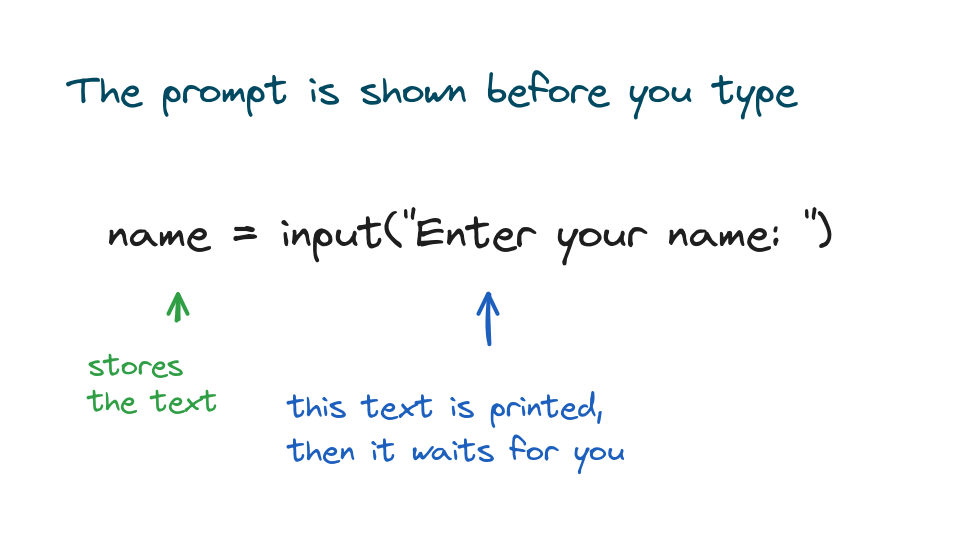
name = input("Enter your name: ")
print("Welcome,", name)
# Enter your name: Priya
# Output: Welcome, Priya
Get into the habit of always writing a clear prompt. A program with a good prompt feels finished. One without it feels broken.
input() always gives you a string
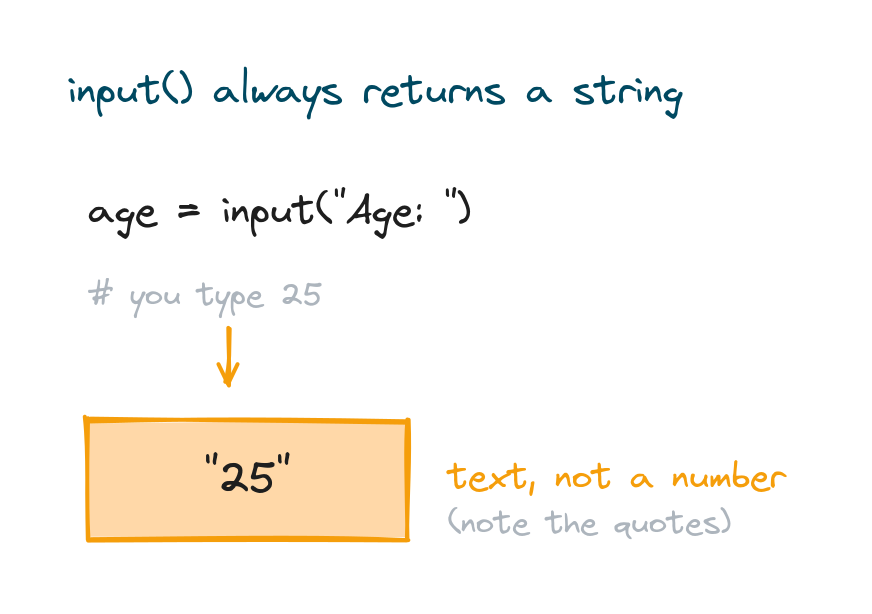
Here's the quirk I mentioned. It doesn't matter what the user types, input() always returns it as a string. Type 25 and you get the text "25" back, not the number 25.
age = input("Age: ")
print(type(age))
# Age: 25
# Output: <class 'str'>
It's easy to trip over this because text full of digits looks exactly like a number. The type() call above settles it: you've got a string. Try to do maths on it as is, and Python pushes back.
age = input("Age: ")
print(age + 1)
# Age: 25
# TypeError: can only concatenate str (not "int") to str
Converting input to a number
If you want a number, you have to convert the string yourself. Wrap input() in int() for a whole number, or float() for a decimal. This conversion is the single most common thing you'll do with input.
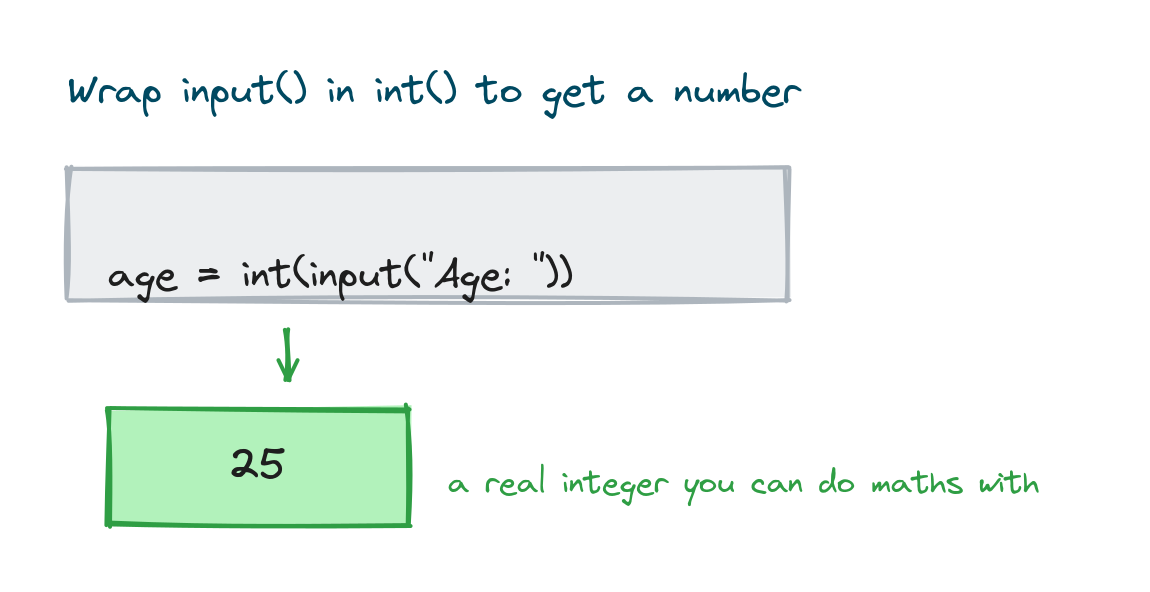
age = int(input("Age: "))
print("Next year you will be", age + 1)
# Age: 25
# Output: Next year you will be 26
For decimals, reach for float() instead:
price = float(input("Price: "))
print("With tax:", price * 1.1)
# Price: 100
# Output: With tax: 110.00000000000001
One rule of thumb. If you only need the value to show it back on screen, leave it as a string. Convert it only when you actually need to calculate, compare numerically, or sort.
Reading several inputs
You can call input() as many times as you like, once per question.
first = input("First name: ")
last = input("Last name: ")
print("Full name:", first, last)
# First name: Sara
# Last name: Khan
# Output: Full name: Sara Khan
What if you want several values from a single line? That's where split() comes in. It breaks the text apart on the spaces and gives you back a list of pieces:
a, b = input("Two numbers: ").split()
print(int(a) + int(b))
# Two numbers: 4 6
# Output: 10
When input causes an error
Converting with int() only works when the text genuinely holds digits. If someone types letters, int() raises a ValueError and your program stops dead.
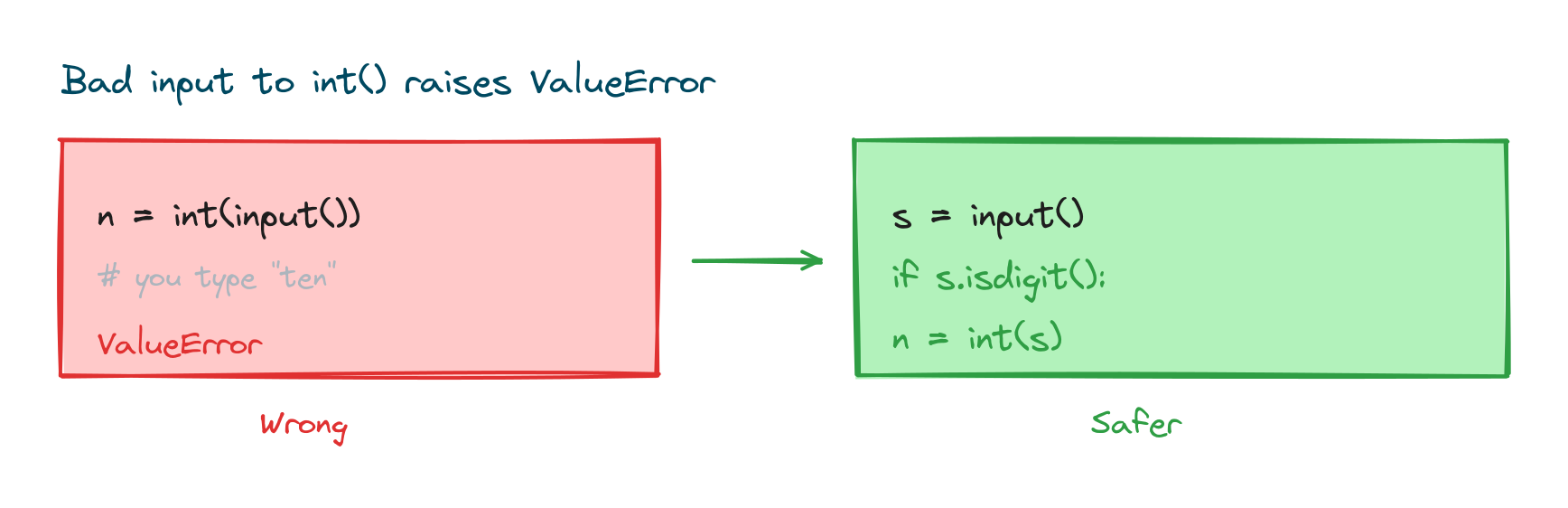
n = int(input("Number: "))
# Number: ten
# ValueError: invalid literal for int() with base 10: 'ten'
The simplest guard is to check the text before you convert it. The isdigit() method gives back True only when every character is a digit, so you can branch on it:
text = input("Number: ")
if text.isdigit():
    print(int(text) * 2)
else:
    print("That is not a whole number")
# Number: 8
# Output: 16
Down the road you'll meet try and except, which handle messy input even more gracefully. For now, the check above is plenty.
Showing the result back
Reading input goes hand in hand with printing a reply. If you want to slot the value neatly into a sentence, an f-string is the cleanest way to do it, and the lesson on the Python print() function covers those in full.
city = input("Your city: ")
print(f"Nice, {city} is a great place!")
# Your city: Pune
# Output: Nice, Pune is a great place!
Practice exercises
Run each one and type in the sample input shown next to it.
A friendly greeting
Ask for a name and print a welcome message with an f-string.
# Solution
name = input("Name: ")
print(f"Welcome, {name}!")
# Name: Leo
# Output: Welcome, Leo!
Double a number
Ask for a whole number and print it doubled.
# Solution
n = int(input("Number: "))
print(n * 2)
# Number: 7
# Output: 14
Add two numbers
Ask for two numbers on separate lines and print their sum.
# Solution
a = int(input("First: "))
b = int(input("Second: "))
print("Sum:", a + b)
# First: 5
# Second: 9
# Output: Sum: 14
Common mistakes
- Forgetting that input returns a string. Doing maths on it without converting raises a
TypeError. - Converting input that is not a number.
int("abc")raises aValueError; check withisdigit()or use error handling. - Putting the wrong brackets. It is
int(input(...)), withintwrapping the wholeinput()call. - No prompt. Without a prompt the program looks frozen; always pass a hint.
- Extra spaces. Users may type stray spaces; use
.strip()to clean the text when it matters.
Frequently asked questions
Why does input() always return a string?
The keyboard only sends characters, so Python can't tell whether you meant text or a number. It hands you text and lets you convert with int() or float() when you need a number.
How do I take a number as input?
Wrap the call in a conversion. Use int(input("...")) for a whole number or float(input("...")) for a decimal.
How do I read two values on one line?
Use split(). Writing a, b = input().split() breaks the line on spaces. Convert each piece with int() if you need numbers.
What happens if the user types the wrong thing?
Trying to convert non-numeric text with int() raises a ValueError. Check the text first with isdigit(), or use try and except.
How do I remove extra spaces from input?
Call .strip() on the result, like name = input().strip(). It trims spaces from both ends.
Does input() work in every environment?
It works in a normal terminal or interactive shell. Some online editors and notebooks handle it a little differently, but the function itself is the same.
Key takeaways
input()pauses the program and reads a line the user types.- Pass a prompt so the user knows what to enter.
input()always returns a string, even when it looks like a number.- Convert with
int()orfloat()before doing any maths. - Guard conversions with
isdigit()or error handling to avoid aValueError.
Every value you read with input() has to land somewhere, and that somewhere is a variable. So the natural next step is to get comfortable with how those work. Carry on with the lesson on Python variables to see how names hold and update the values you collect.