

 By Kaustubh Saini
Counting, totalling, measuring, calculating. Most programs start doing real work the moment numbers show up. Python handles them cleanly, but a few behaviours catch beginners off guard, like why dividing two whole numbers hands you a decimal, or why 0.1 + 0.2 isn't quite 0.3. Both have simple explanations once you've seen them.
We'll walk through the three number types, the arithmetic operators, the two kinds of division, rounding, and that floating point quirk. Every section has a small example you can run as you read.
The three number types
Python ships with three built-in number types. Whole numbers are int, numbers with a decimal point are float, and numbers with an imaginary part are complex. You'll use int and float all the time, and complex almost never, so don't worry about that last one.
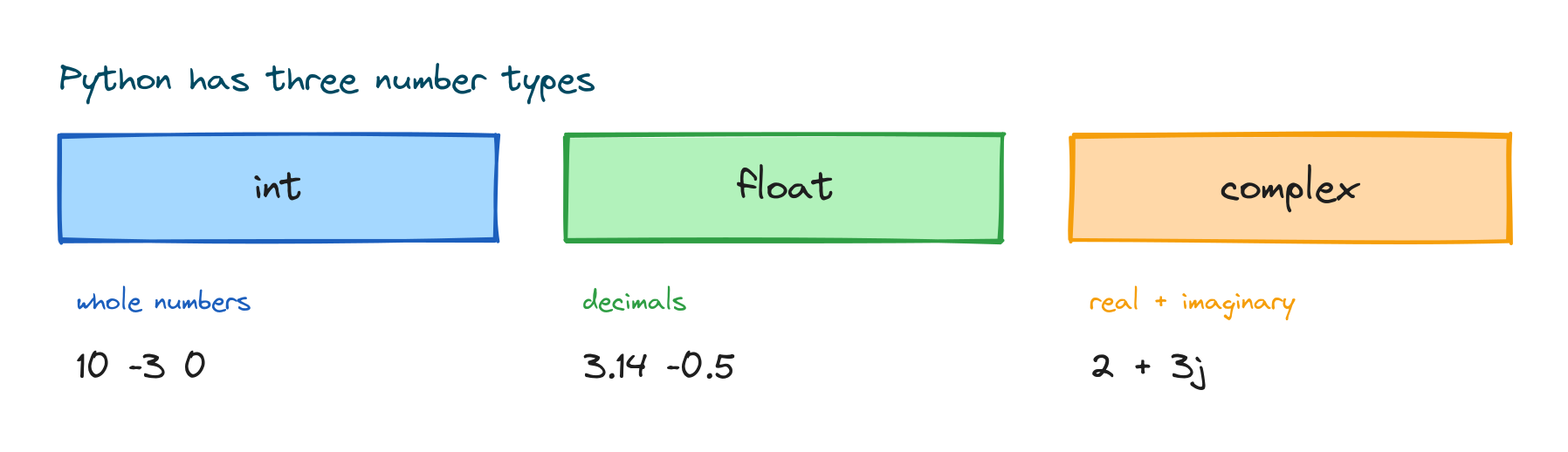
count = 10        # int
temperature = 36.6 # float
z = 2 + 3j         # complex
print(type(count), type(temperature), type(z))
# Output: <class 'int'> <class 'float'> <class 'complex'>
One nice thing worth knowing early: an int in Python can be as large as your memory allows, so you never overflow on big whole numbers the way you might in other languages.
Arithmetic operators
Python uses the symbols you'd expect for maths, plus a couple of extra ones for division and powers.
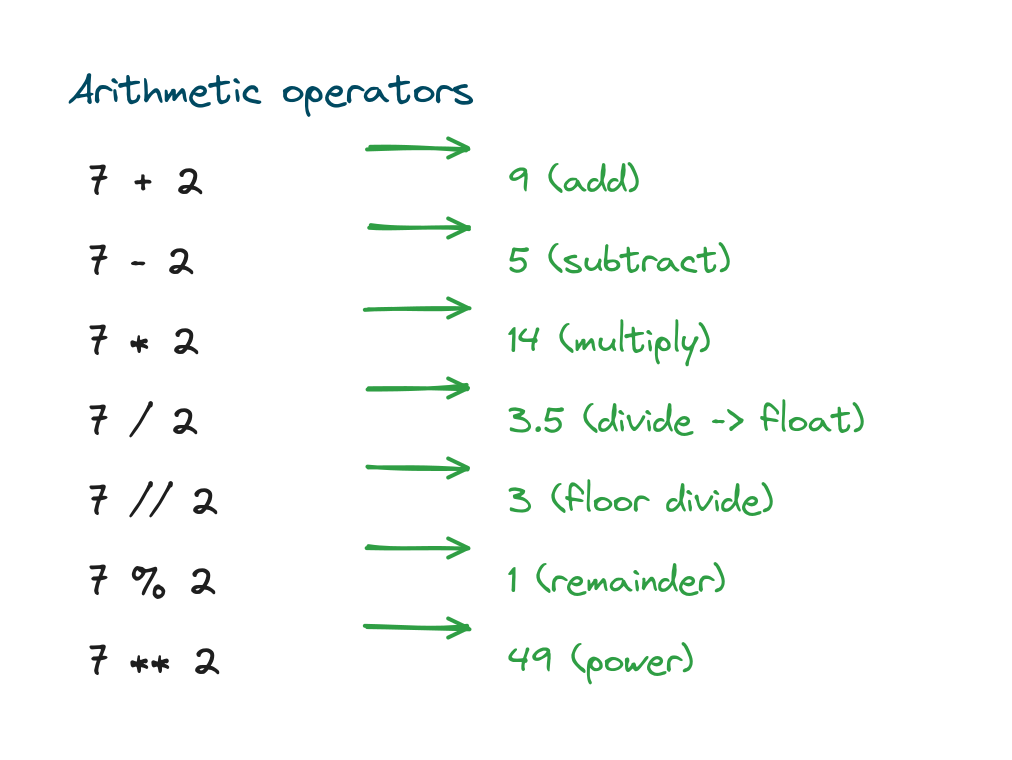
print(7 + 2)   # 9
print(7 - 2)   # 5
print(7 * 2)   # 14
print(7 ** 2)  # 49  (7 to the power of 2)
# Output:
# 9
# 5
# 14
# 49
The ** operator means "to the power of", so 2 ** 10 is 1024.
The two kinds of division
Here's the one that trips people up. A single slash / always gives a float, even when the numbers divide evenly. A double slash // does floor division, throwing away the fractional part and handing back a whole number.
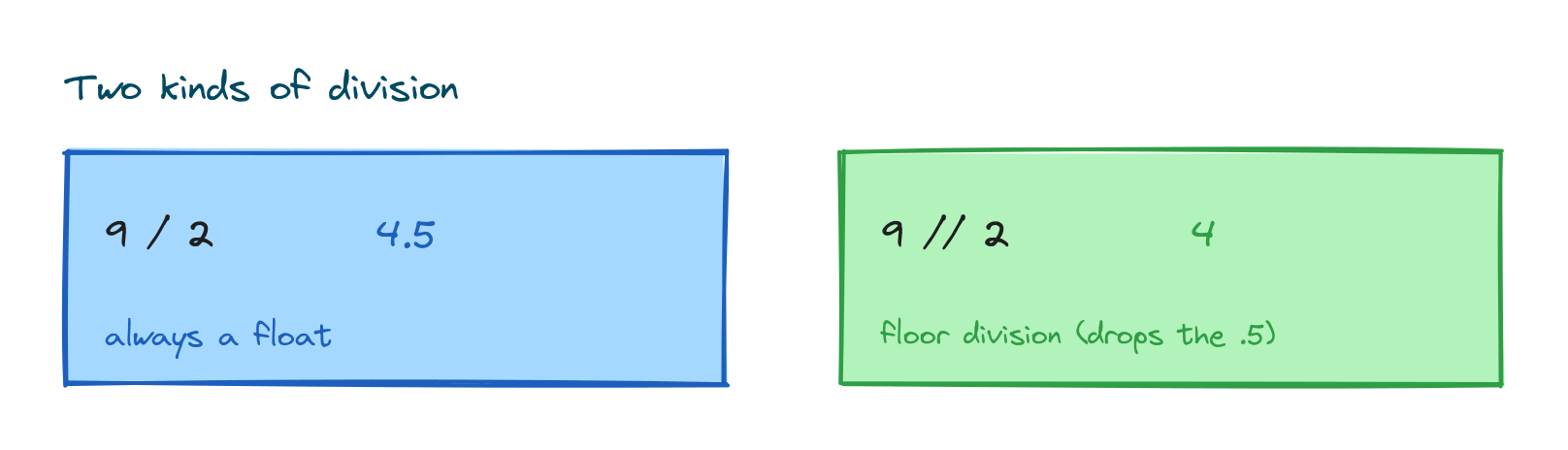
print(9 / 2)    # 4.5
print(9 // 2)   # 4
print(8 / 2)    # 4.0  (still a float)
# Output:
# 4.5
# 4
# 4.0
Look at 8 / 2. It's 4.0, not 4, because / always produces a float, no matter how evenly things divide.
The remainder operator
The % operator, called modulo, gives you the remainder after division. It's more useful than it sounds. A common trick is testing whether a number is even.
print(7 % 2)    # 1
print(10 % 5)   # 0
print(8 % 2 == 0)  # True  (8 is even)
# Output:
# 1
# 0
# True
Rounding and truncating
To round a float to the nearest whole number, use round(). You can also round to a set number of decimal places by passing a second argument. Converting with int() does something different. It simply chops off the decimal part instead of rounding, so keep the two straight in your head.
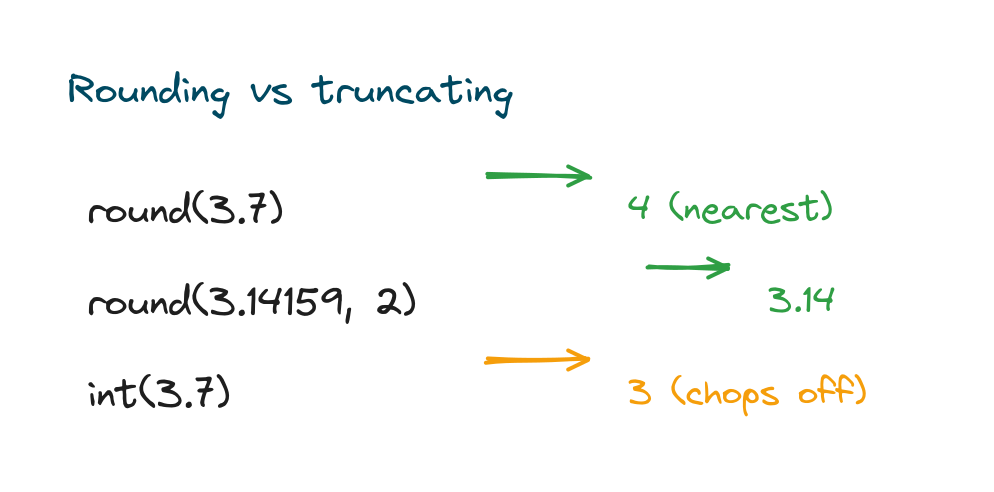
print(round(3.7))       # 4
print(round(3.14159, 2))# 3.14
print(int(3.7))         # 3  (just drops the .7)
# Output:
# 4
# 3.14
# 3
Floats are not always exact
Computers store floats in binary, and some decimals can't be written perfectly in binary. That leads to a surprise you'll bump into eventually.
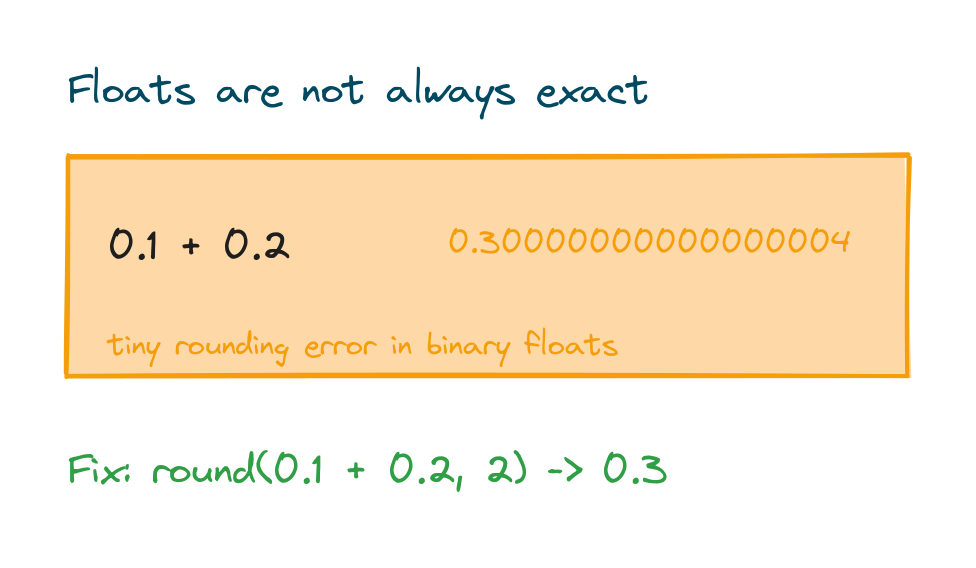
print(0.1 + 0.2)
print(round(0.1 + 0.2, 2))
# Output:
# 0.30000000000000004
# 0.3
This isn't a bug in Python. It happens in almost every language for the same reason. When you need clean decimal results, round at the end, and for money reach for the decimal module instead.
Converting between int and float
You can move between the number types with int() and float(). And when you mix an int and a float in one calculation, Python gives you a float automatically, without you asking.
print(float(5))   # 5.0
print(int(4.9))   # 4
print(2 + 3.0)    # 5.0  (int + float = float)
# Output:
# 5.0
# 4
# 5.0
Turning user input or a string of digits into a number is a slightly bigger topic, with its own lesson on type casting in Python.
Useful number functions
A handful of built-in functions come up again and again with numbers. Here are the ones worth memorising:
abs()gives the absolute value, dropping any minus sign.pow()raises a number to a power, the same as**.max()andmin()pick the largest or smallest from several values.
print(abs(-7))        # 7
print(pow(2, 5))      # 32
print(max(3, 9, 1))   # 9
# Output:
# 7
# 32
# 9
Storing numbers in variables
You'll usually keep numbers in variables so you can reuse and update them, like a running total that grows as you go. How variables hold and change values gets its own walkthrough in the lesson on Python variables.
total = 0
total = total + 50
total = total + 30
print(total)
# Output: 80
Practice exercises
Run each one and check the output against what you expected.
Floor versus true division
Print both kinds of division for 17 and 5.
# Solution
print(17 / 5)
print(17 // 5)
# Output:
# 3.4
# 3
Check whether a number is even
Use modulo to test whether 24 is even.
# Solution
print(24 % 2 == 0)
# Output: True
Round a price
Round 19.99 times 1.08 to two decimal places.
# Solution
print(round(19.99 * 1.08, 2))
# Output: 21.59
Common mistakes
- Expecting / to give a whole number. It always returns a float; use
//for whole-number division. - Trusting float equality.
0.1 + 0.2 == 0.3isFalse; round before comparing. - Confusing round() and int().
round()goes to the nearest value;int()chops off the decimal. - Mixing up ** and ^. Powers use
**;^is a bitwise operator, not exponentiation. - Dividing by zero. This raises
ZeroDivisionError; guard against it.
Frequently asked questions
What is the difference between int and float?
An int is a whole number with no decimal point. A float has one. Any calculation that involves a float usually gives you a float back.
Why does 9 / 2 give 4.5 instead of 4?
In Python 3, a single slash / is true division and always returns a float. Use // when you want the whole-number result.
Why is 0.1 + 0.2 not exactly 0.3?
Floats are stored in binary, and some decimals can't be stored exactly, so a tiny error creeps in. Round the result, or use the decimal module for exact decimal maths.
How do I round a number in Python?
Use round(value) for the nearest whole number, or round(value, n) to keep n decimal places.
How do I raise a number to a power?
Use **, so 3 ** 4 is 81. The pow() function does the same job.
What does the % operator do?
It returns the remainder of a division, so 7 % 2 is 1. It's handy for testing divisibility, like checking for even numbers.
Key takeaways
- Python's number types are int, float, and the rarely used
complex. /always gives a float;//gives floor (whole-number) division.%returns the remainder, and**raises to a power.round()rounds to the nearest value;int()truncates the decimal.- Floats can carry tiny errors, so round before comparing or displaying them.
With numbers under your belt, the next building block is text, and Python gives you a lot to play with there. Carry on to the lesson on Python strings to see how words and characters work.