

 By Kaustubh Saini
Ask Python what kind of thing a value is and it always has an answer. The number 10, the text "hello", a True flag, a list of names, each one carries a type that says what it is and what you're allowed to do with it. Get comfortable with the handful of basic types and a lot of Python starts to make sense, including the errors that pop up when you treat one type like another.
We'll go through the built-in types you run into first, how to check the type of any value, the difference between things that can change and things that can't, and how all of it fits together. Each part comes with a short example you can run.
What is a data type?
A data type is the category a value belongs to. The number 10 is an integer, the text "hello" is a string, and True is a boolean. Python leans on the type to decide how a value behaves. You can multiply two numbers, but multiplying two strings means something completely different.
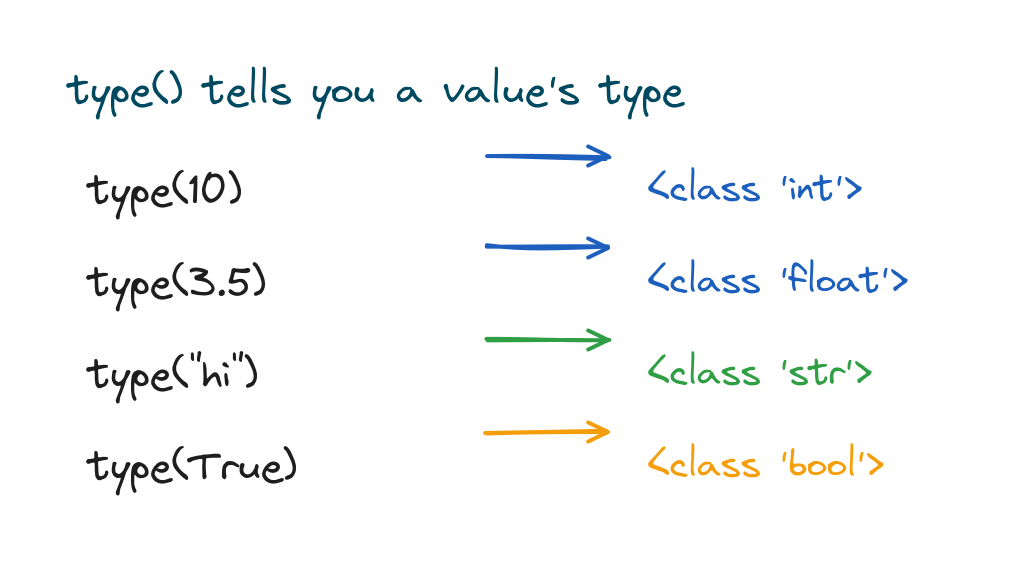
print(type(10))
print(type("hello"))
print(type(True))
# Output:
# <class 'int'>
# <class 'str'>
# <class 'bool'>
The main built-in types
Python comes with a small set of types that cover nearly everything a beginner needs, and they fall into a few natural groups.

The groups are numbers (int, float, complex), text (str), the boolean (bool), sequences that hold several items in order (list, tuple, range), and collections like sets and dictionaries (set, dict). The next sections zoom in on the ones you'll use every day.
Numbers with int, float, and complex
Whole numbers are the int type, numbers with a decimal point are float, and Python also has a complex type for numbers with an imaginary part, which you'll rarely touch this early.
age = 30          # int
price = 9.99      # float
z = 2 + 3j        # complex
print(type(age), type(price), type(z))
# Output: <class 'int'> <class 'float'> <class 'complex'>
There's a whole lesson coming up on how arithmetic, division, and rounding actually behave with these, so don't worry about the details yet.
Strings for text
A string (str) is a piece of text, written inside quotes. Single or double quotes both work, and a string can hold letters, digits, spaces, and symbols.
name = "Sara"
greeting = 'Hello there'
print(name, greeting)
# Output: Sara Hello there
Strings have their own deep lesson covering indexing, slicing, and f-strings over in Python strings.
Booleans for true or false
A boolean (bool) holds one of two values, True or False. They come out of comparisons and they drive the decisions your code makes.
is_open = True
print(10 > 3)
print(10 == 3)
# Output:
# True
# False
Watch the capital letters. It's True and False, never true or false.
Lists, tuples, and dictionaries
When you need to hold several values together, Python gives you containers. A list is an ordered, changeable collection. A tuple is like a list but can't be changed. A dictionary stores pairs of keys and values.
colors = ["red", "green", "blue"]   # list
point = (4, 5)                       # tuple
person = {"name": "Ravi", "age": 25} # dict
print(colors[0], point[1], person["name"])
# Output: red 5 Ravi
Each of these gets its own lesson later in the series. For now, just remember the brackets: lists use square brackets, tuples use parentheses, and dictionaries use curly braces with key: value pairs.
How to check a value's type
The type() function hands back the type of any value, which is handy when you're debugging or just learning your way around.
When you want to check whether a value is a particular type, isinstance() is usually the better pick, since it also handles related types correctly.
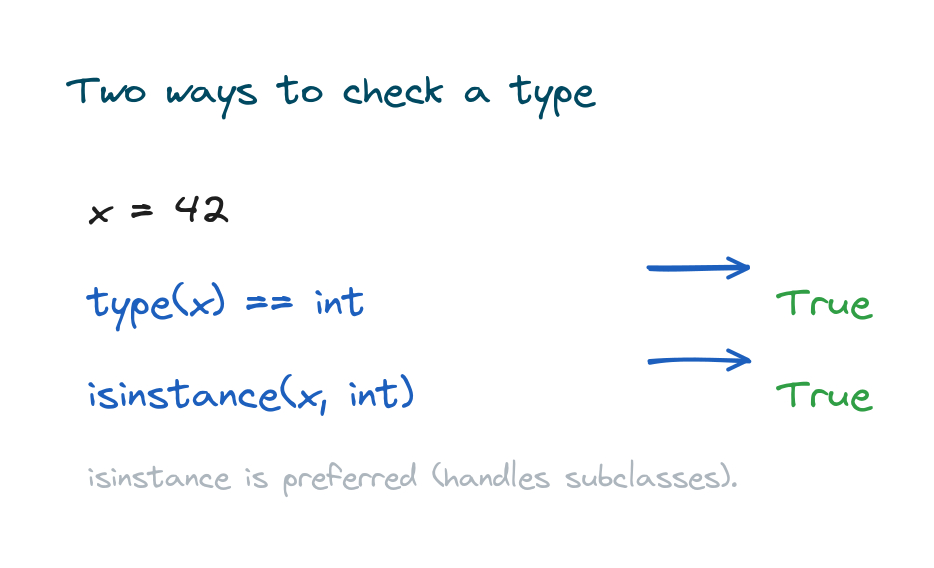
x = 42
print(type(x) == int)
print(isinstance(x, int))
# Output:
# True
# True
Mutable and immutable types
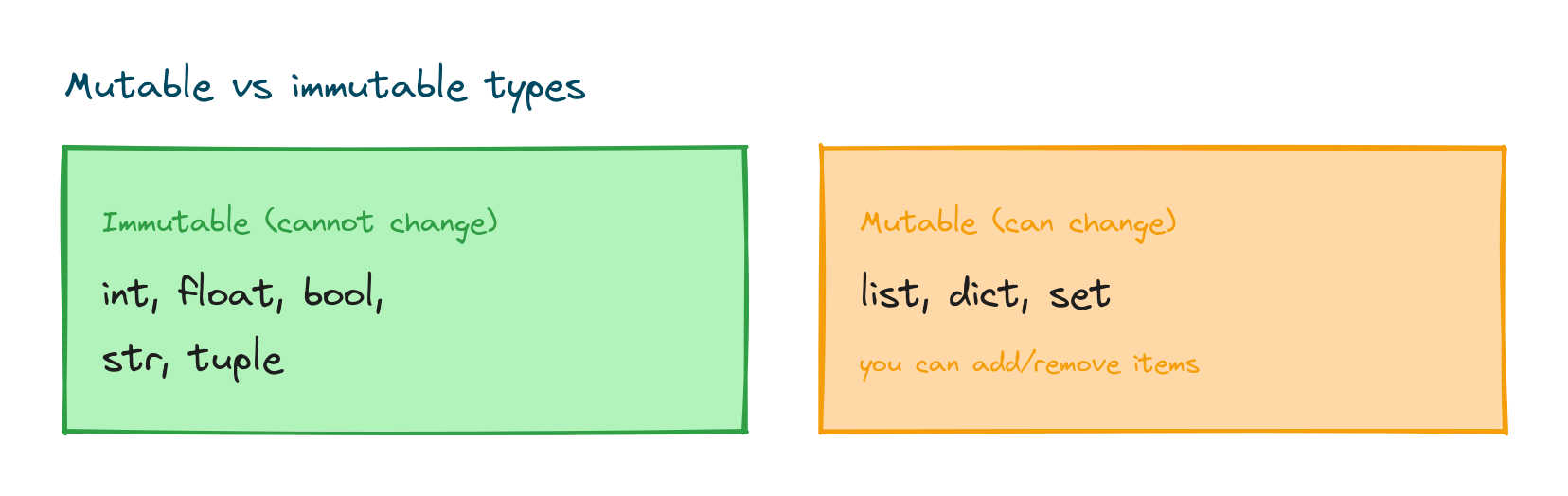
One idea explains a surprising amount of Python's behaviour: whether a type is mutable (can be changed after it's made) or immutable (can't). Numbers, strings, booleans, and tuples are immutable. Lists, dictionaries, and sets are mutable.
nums = [1, 2, 3]
nums.append(4)     # lists can change
print(nums)
# Output: [1, 2, 3, 4]

text = "cat"
# text[0] = "b"    # this would raise TypeError: strings can't change
That's the reason you can add an item to a list but can't swap one letter of a string in place. To "change" a string, you build a new one.
Each type has a literal form
Usually you create a value by writing it out directly, which is called a literal. The way you write it tells Python the type, so you never have to spell it out.
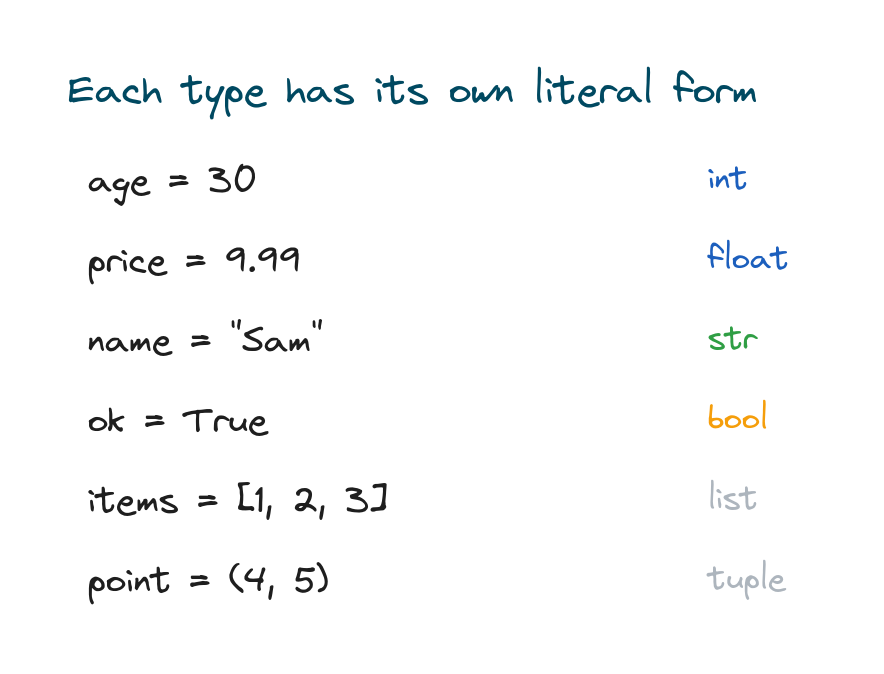
age = 30            # int
price = 9.99        # float
name = "Sam"        # str
ok = True           # bool
items = [1, 2, 3]   # list
print(type(items))
# Output: <class 'list'>
Converting between types
Sooner or later you'll need to turn one type into another, like a string of digits into a real number you can do maths with. That's called type casting, and it has its own lesson on type casting in Python. Here's the quick version.
count = int("5")
price = float("9.99")
label = str(42)
print(count + 1, price, label)
# Output: 6 9.99 42
None, the empty placeholder
There's one more value worth meeting: None, which stands for "no value" or "nothing here yet". It has its own type, NoneType, and you'll often see it used as a placeholder until a real value comes along.
result = None
print(result)
print(type(result))
# Output:
# None
# <class 'NoneType'>
Practice exercises
Run each one and check the type or output against what you expected.
Identify the types
Print the type of each value below.
# Solution
print(type(7))
print(type(7.0))
print(type("7"))
# Output:
# <class 'int'>
# <class 'float'>
# <class 'str'>
Mutable or not
Add an item to a list to prove lists are mutable.
# Solution
data = [10, 20]
data.append(30)
print(data)
# Output: [10, 20, 30]
Check a type
Use isinstance to check whether a value is a string.
# Solution
v = "hello"
print(isinstance(v, str))
# Output: True
Common mistakes
- Confusing "5" and 5. One is a string, the other an integer, and they behave differently.
- Lowercase true/false. Booleans are
TrueandFalsewith capitals. - Trying to change a string in place. Strings are immutable, so build a new one instead.
- Mixing up brackets. Lists use
[], tuples use(), dictionaries use{}. - Forgetting type() returns a type, not text. It prints like
<class 'int'>.
Frequently asked questions
What are the basic data types in Python?
The core ones are int and float for numbers, str for text, bool for true/false, and the containers list, tuple, dict, and set. There's also complex and NoneType.
How do I check the type of a variable?
Use type(value) to see the type, or isinstance(value, SomeType) to test whether it's a given type.
What is the difference between mutable and immutable?
Mutable values can change after creation (lists, dicts, sets). Immutable ones can't (numbers, strings, booleans, tuples), so changing them means making a new value.
Is a string a data type in Python?
Yes. A string (str) is the text type. It's immutable, so you can't change individual characters in place.
Do I need to declare the type of a variable?
No. Python works out the type from the value you assign, which is called dynamic typing. You can still check it any time with type().
What is None in Python?
None stands for the absence of a value. Its type is NoneType, and it's commonly used as a default or placeholder.
Key takeaways
- Every value has a type that defines what it is and what you can do with it.
- The everyday types are
int,float,str,bool,list,tuple, anddict. - Use
type()to see a type andisinstance()to test one. - Immutable types (numbers, strings, tuples) can't change in place; mutable ones (lists, dicts, sets) can.
- Python sets the type from the value, so you never declare it yourself.
Types are the vocabulary of Python data, and the rest of the series just builds on them. The most natural next stop is a closer look at how the numeric types actually behave, so carry on with Python numbers and watch how int and float handle arithmetic, division, and rounding.